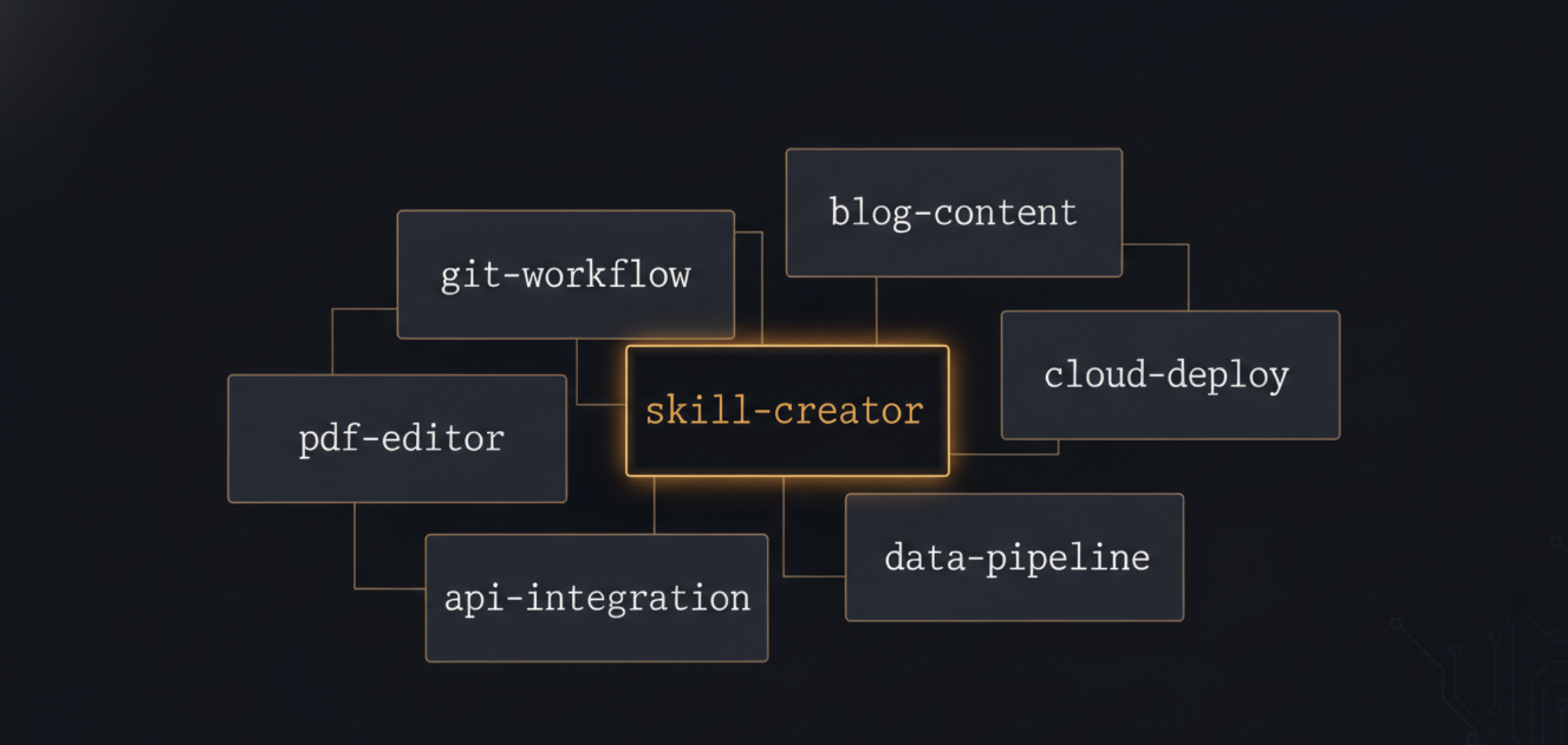
Agent Skills: giving your agents procedural memory
AI agents have a problem that developers tend to solve the wrong way. When an agent needs to know how to manage a GitFlow workflow, follow project conventions, or handle a deployment process, the reflex is to stuff the system prompt. Result: a 4,000-token monolith loaded into every conversation, 80% of which is irrelevant to the task at hand.
Agent Skills is a structured answer to this problem. An open format, simple, adopted by around thirty tools. Not a revolution, a convention that happens to work.
A format for giving agents procedural memory
The problem isn’t that agents are dumb. It’s that they’re born amnesiac at the start of every conversation, and the only mechanism for giving them context is the prompt, a channel with a cost and a limit.
Agent memory today falls into two broad families. Semantic memory: general knowledge, what the model learned during training. Procedural memory: how to do something in a specific context, your project conventions, the deployment workflow, the list of available MDX components.
That second kind is what we’re trying to inject. And the Agent Skills format offers a concrete answer: a folder containing a SKILL.md file with two elements in YAML frontmatter, a name and a description, followed by markdown instructions.
my-skill/
├── SKILL.md          # Instructions + frontmatter (name, description)
├── scripts/          # Executable scripts (optional)
├── references/       # Reference files (optional)
└── assets/           # Static assets (optional)
The frontmatter looks like this:
---
name: git-workflow
description: >
  Guides teams through GitFlow branch conventions, Conventional Commits
  formatting, and GitLab Merge Request creation. Use when a user wants
  to create a branch, write a commit message, or open a Merge Request.
---
Everything that follows in the file: full instructions, structured like a practical guide.
The format was initiated at Anthropic and is now adopted by around forty tools: Cursor, GitHub Copilot, Gemini CLI, OpenCode, VS Code, OpenHands, Amp, Letta. The idea spread quickly because it solves a real problem without introducing excessive complexity.
Progressive disclosure: why this is the right architecture
The format’s strength isn’t in the file structure. It’s in how tools load it.
The naive approach is to dump everything into context at startup. But a 2,000-token skill multiplied by 10 installed skills is 20,000 permanent tokens. That’s 15-20% of an average model’s context window, consumed before the user has typed a single character.
Agent Skills solves this with a three-step mechanism:
sequenceDiagram
    participant U as User
    participant A as Agent
    participant S as Skill Store

    Note over A,S: At tool startup
    A->>S: Load name + description for each skill
    S-->>A: List of available skills (metadata only)

    Note over U,A: For each user message
    U->>A: "I want to create a GitFlow branch"
    A->>A: Match request against descriptions
    A->>S: Activate git-workflow → load full SKILL.md
    S-->>A: Complete instructions (2000 tokens)

    Note over A,S: During execution
    A->>S: Load scripts/create-branch.sh if needed
    S-->>A: Executable script
    A-->>U: Response guided by the skill
Step 1 - Discovery. At startup, the tool loads only the name and description of each skill. A few dozen tokens per skill, no more. The agent has a map, not the territory.
Step 2 - Activation. When the user’s request matches a skill’s description, the tool loads the full SKILL.md content. The skill is injected into context just-in-time, for the conversation where it’s relevant.
Step 3 - Execution. If the skill references scripts or files in scripts/ or references/, they’re loaded on demand during execution, not systematically.
The big static system prompt has neither property. Here, the context footprint grows with the task. And instructions live in their own files instead of buried inside a global config.
The comparison with MCP is worth making. MCP extends agents’ capabilities (tool calls, API access). Agent Skills extends their procedural knowledge (how to do something in a given context). The two are complementary.
Writing a good skill: harder than it looks
The file structure is trivial. The difficulty is elsewhere.
The triggering problem
A skill is only useful if it fires at the right moment. And the only triggering mechanism is the description in the frontmatter. That’s what the agent reads to decide whether the skill is relevant.
Two types of errors are possible. Under-triggering: the description is too vague or too short, the skill never fires even when it should. Over-triggering: the description is too broad, the skill injects itself on unrelated requests, pollutes the context, and disrupts the agent’s behavior.
# Too vague -- likely under-triggering
description: "Helps with Git code"

# Too broad -- likely over-triggering
description: "Used for everything related to software development, branches, commits, deployments, CI/CD..."

# Calibrated -- precise triggering
description: >
  Guides teams through GitFlow branch conventions, Conventional Commits
  formatting, and GitLab Merge Request creation via git push options.
  Use when a user wants to create a branch following GitFlow, write a
  compliant commit message, or open a Merge Request on GitLab.
The description needs enough information for the model to understand when to load the skill, and enough precision to know when not to.
Instruction quality
Once the skill fires, instruction quality determines actual usefulness. A few patterns that don’t work well:
Overly abstract instructions. “Follow GitFlow best practices” tells an agent nothing. “Always create branches from develop, name them feature/<ticket-id>-<short-description>, and open an MR targeting develop”, that’s actionable.
Instructions without examples. Code examples, commands, or expected format examples anchor instructions in something concrete. An example is often worth more than a paragraph of prose.
Instructions that duplicate the system prompt. If the skill repeats things the agent already knows, it’s noise. A skill should bring incremental knowledge, what’s specific to the context, workflow, or project.
skill-creator: the skill for creating skills
Creating a skill without a method means writing an approximate SKILL.md, dropping it in a folder, and hoping it triggers at the right moment. Sometimes it works.
skill-creator encodes a 6-step process and bundles 3 scripts to automate the mechanical parts — it’s a skill I developed and published in my skills repo. The idea: the agent focuses on content, the scripts handle the rest.
flowchart TD
    A[Understand the skill\nwith concrete examples] --> B[Plan bundled resources\nscripts / references / assets]
    B --> C[Initialize from template\ninit_skill.py]
    C --> D[Edit SKILL.md\nand resources]
    D --> E[Validate and package\npackage_skill.py]
    E --> F{Skill tested\non real cases}
    F -->|Improvements needed| D
    F -->|Satisfactory| G[Skill distributed]

    style G fill:#22c55e,color:#fff
    style F fill:#f59e0b,color:#fff
1. Understand before writing
Before touching a file, skill-creator asks for concrete examples. Not “what does the skill do”, but “show me how a user would call it”. What you’d actually say to the agent, word for word.
The distinction matters. A generic description like “helps with Git” won’t trigger correctly because it’s not grounded in real cases. Starting from examples forces you to calibrate the scope, and in particular to define what the skill should not catch, which most authors skip.
2. Plan bundled resources
A skill is more than a SKILL.md. Depending on the domain, three types of resources can be bundled:
scripts/: executable code for repetitive tasks or tasks that need deterministic reliability. A Python script that rotates PDFs, a CLI that generates reports. The advantage: the agent can run it without loading it into context.references/: documentation loaded on demand. Database schemas, API specs, detailed workflow guides. Keeps the SKILL.md lean without sacrificing depth.assets/: files used in the output the agent produces, not read by it. PowerPoint templates, HTML/React boilerplate, fonts. The agent copies or references them, it doesn’t ingest them.
3. Initialize from a template
Once the scope is clear, the agent runs init_skill.py to generate the full structure. You don’t type anything — the agent handles it and shows you what was created:
my-skill/
├── SKILL.md               # Template with TODO items and structural guidance
├── scripts/
│   └── example.py         # Commented example script
├── references/
│   └── api_reference.md   # Reference doc to replace
└── assets/
    └── example_asset.txt  # Placeholder to delete or replace
The SKILL.md template includes a “Structuring This Skill” section that suggests four organizational patterns depending on the skill type: workflow-based, task-based, reference/guidelines, capabilities-based. Remove it once you’ve made your choice.
4. Write the SKILL.md
The generated template contains explicit TODOs. skill-creator guides filling them in order: bundled resources first (scripts, references, assets), then the SKILL.md itself, because instructions reference the resources, not the other way around.
The description is written in imperative style (“Use this skill when…”) with explicit negative signals:
---
name: git-workflow
description: >
  Guides teams through GitFlow branch conventions, Conventional Commits
  formatting, and GitLab Merge Request creation via git push options.
  Use when a user wants to create a branch following GitFlow, write a
  compliant commit message, or open a Merge Request on GitLab.
  Do NOT use for general Git questions, rebases, or repository setup.
---Negative signals (“Do NOT use for…”) in the description reduce over-triggering from the first draft. It’s the detail most authors only add after observing spurious triggers in production.
5. Validate and package
When the skill is ready, you ask the agent to package it. It runs package_skill.py, which does two things in order: validate first, then package. No zip if validation fails.
The validation (quick_validate.py) checks:
- YAML frontmatter is valid
nameis hyphen-case, 64 characters max, and matches the directory name exactlydescriptionis present, no angle brackets, 1024 characters max- Optional
compatibilityfield respects the 500-character limit
That last point is the most common gotcha. If the frontmatter says name: pdf-processor but the folder is named pdf-tool, validation fails. Rename one or the other.
6. Iterate on real cases
A skill that “looks good” in theory often misses real requests. The last step of the workflow is to use the skill on actual tasks, watch where it breaks, description not triggering, instructions too abstract, missing resource, and fix it.
skill-creator guides this iteration with the same fresh context as the creation session. No need to re-explain the skill’s scope.
Installation and first use
Agent Skills is a standard — each compatible tool loads skills from a local folder or a Git repo according to its own configuration. The full list is at agentskills.io.
To install skill-creator:
npx skills add https://github.com/azrod/skills --skill skill-creatorTo create a new skill:
# In OpenCode or any Agent Skills-compatible tool
> I want to create a skill to manage my project conventions
The agent picks up the request, activates skill-creator, and takes it from there.
To distribute your own skills: a Git repo with folders following the skill-name/SKILL.md structure, shared via npx skills add <url>. No central registry, no publish step, just Git.